Digital World App

Digital Life

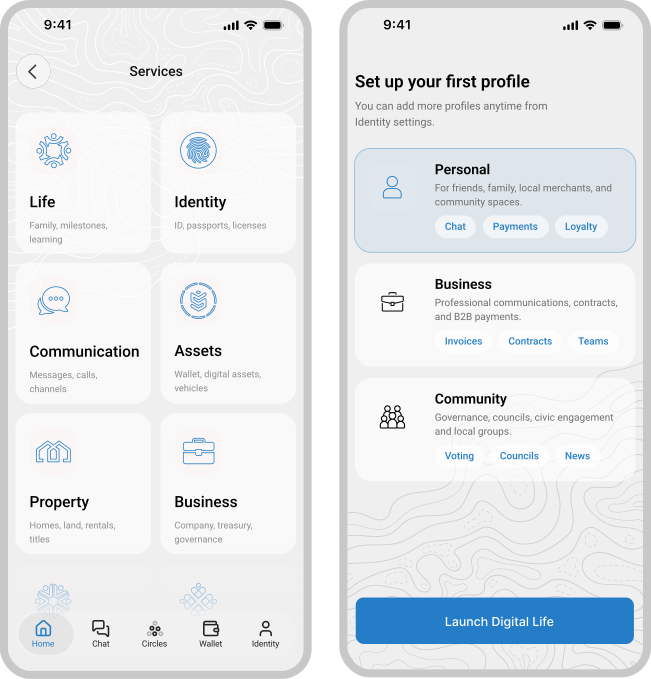
Digital Life is the member app for the Digital World network. Instead of a separate account for every provider, it gives you one Digital Identity - created and held on your own device - that you use to access your wallet, credentials, communication, and other participating services from a single place. The app is open source and member-controlled.

Member-Controlled Secure Identity Mobile & Desktop Open Source
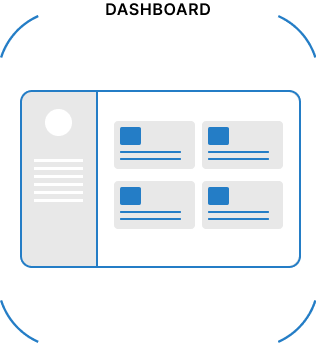
Digital Life App
  1. Home
  2. Services
  3. Digital Life
Get Started

Getting Started With Digital Life

Three steps to install the app, create and secure your member identity, and start using it with your first endorsement or service.

01
Install Digital Life

Install Digital Life

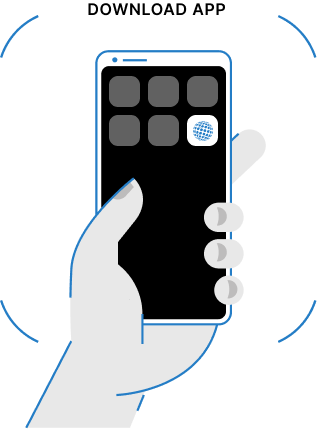
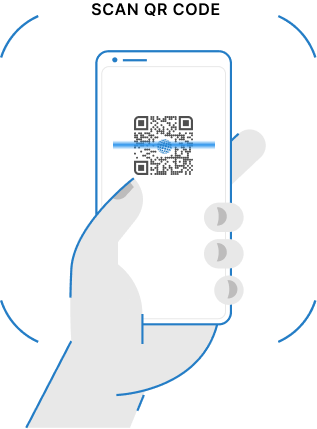
Download the Digital World Life App from Google Play, the App Store, or the Clear Marketplace, then open it on your device.

02
Create and secure your identity

Create And Secure Your Identity

Create your member identity (Digital ID) in the app. You'll receive recovery words during setup - store them safely, since they're what let you recover your identity if you lose your device. See how account recovery works.

03
Add an endorsement or connect a service

Add An Endorsement Or Connect A Service

Ask a trusted member or issuer to endorse an attribute of your credential, or connect your first participating service to start using your identity.

Identity

Digital Identification

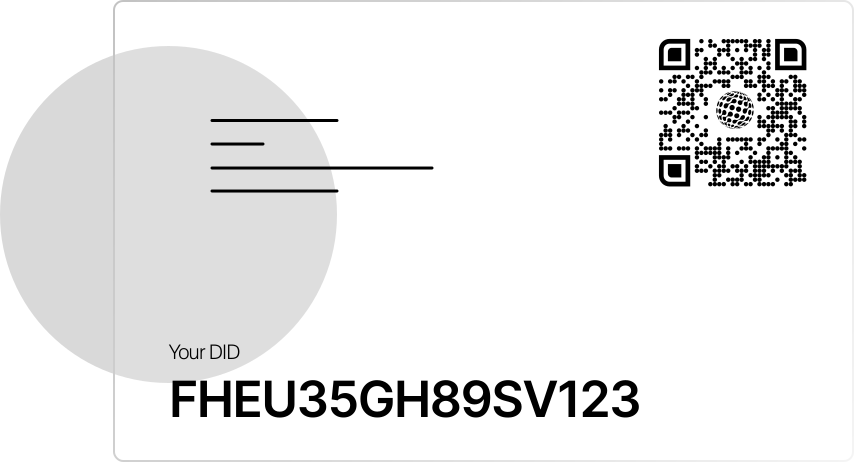
Your Digital ID is created on your own device, and the private keys that control it stay with you rather than with a central provider. Trusted issuers can attach verifiable credentials to your identity - such as a membership or verification status - and you choose whether to share them, and with whom, each time a participating service asks.

Digital World ID Card
What's Included

What You Can Do With Digital Life

Digital Life brings identity, assets, credentials, communication, and services together in one member-controlled app.

Digital Identity

A member-controlled identity you create and hold on your own device, used to verify who you are across participating services.

Wallet

A self-custodial wallet built into the app for holding supported digital assets and sending or receiving payments.

Credentials

Verifiable credentials issued by trusted issuers to your identity, which you can share selectively with services and other members.

Communication

Private messaging with other members and connected services, built on the network's communication layer.

In Development

Social

Profile and connection tools used to link up with other members and take part in groups.

Services

A single place to find and access participating services and applications built on the Digital World network.

Vault

An encrypted storage area for documents, records, and other personal data, held under keys only you control.

Digital Intelligence

A set of assistants, models, and automated tools that can help manage tasks and information on your behalf.

Agents

Digital Intelligence agents that carry out tasks you authorize, within permissions you set and can review or revoke.

Authorizations

A record of the access you've granted to services, agents, and other members, which you can review or revoke at any time.

Communities

Groups of members organized around shared interests or goals, which you can join or help form.

Account Recovery

A defined process, using recovery words generated when you set up your identity, used to regain access if you lose your device. See how it works below.

Security

How Account Recovery Works

Recovery words are the mechanism Digital Life uses to help you regain access to your identity if you lose your device or move to a new one. Set this up when you create your identity, before you rely on Digital Life for services you don't want to lose access to.

01

Recovery Words Are Generated

When you create your Digital Identity, Digital Life generates a set of recovery words. These words, not a password, are what the app uses to verify and restore your identity.

02

Store Them Somewhere Safe

Write your recovery words down and keep them somewhere secure and offline. Anyone who has them can use them to restore your identity, so don't share them or save them in plain text online.

03

Restore On A New Device

If you lose or replace your device, install Digital Life on the new one and enter your recovery words to begin restoring your identity, credentials, and vault.

Data Control

Member-Controlled Digital Life

In Digital Life, sharing personal information with a participating service is an action you take, not an automatic default. Each service receives only the specific credential attributes or data you approve, and you can review or withdraw that access at any time through Authorizations.

Taking Control of Our Digital Lives
Our Foundation

From Decentralized Roots to a Digital World

Our foundation began on January 1, 2009, with a commitment to build decentralized technologies that return control of identity, data, communications, and digital life to the individual.

Over the following years, that work evolved into a broader vision for a Digital World founded on individual sovereignty, voluntary participation, transparent governance, and shared accountability.

On June 21, 2021, doctors, entrepreneurs, parents, technologists, and community members came together to publish the Declaration of Unity. The Declaration formally announced the principles behind Digital World and established the foundation for its decentralized governance model.

Your Digital Identity is the identity you own and use throughout your Digital Life. It enables you to participate directly in governance, follow legislation, join councils, provide consent, and engage with communities without surrendering control of your identity or personal data to a third party.

In this way, your identity, your participation, and your rights remain directly connected to the commitments established in the Declaration of Unity.

Declaration of Unity
App Ecosystem

Download Apps Or Build Your Own

Independent App Listings

The Clear Marketplace lists apps under its own review policies, separate from mainstream app stores, so you can find and install apps that may not be listed there.

Build Your Own App

Developers can build and publish apps on the Digital World network using the available SDKs and open standards, and list them on the Clear Marketplace without mainstream app store review.

Digital World Apps
FAQ

Frequently Asked Questions

Who can use Digital Life?

Anyone can download Digital Life and create a Digital Identity. Some features depend on connecting to specific participating services, organizations, or regions.

Do I need special hardware to use Digital Life?

No. Digital Life runs on supported Android and iOS devices. A Digital Phone is optional - see Digital Phones for hardware options.

What happens if I lose my device?

You can restore your identity using the recovery words generated when you set up Digital Life. See the Account Recovery section above for the full process.

Is my personal data shared with services automatically?

No. You choose what to share and with whom, each time a participating service asks, and you can review or revoke that access through Authorizations.

Can I use Digital Life without joining a community or organization?

Yes. Creating a Digital Identity doesn't require joining a Digital Organization or Digital Community - those are optional.

Can I use the same Digital Identity across multiple services?

Yes. Your Digital Identity is designed to work across participating Digital World services, rather than creating a new identity for each one.